

CONSPIT MM Simulations
CONSPIT CSD SimHub Dashboard
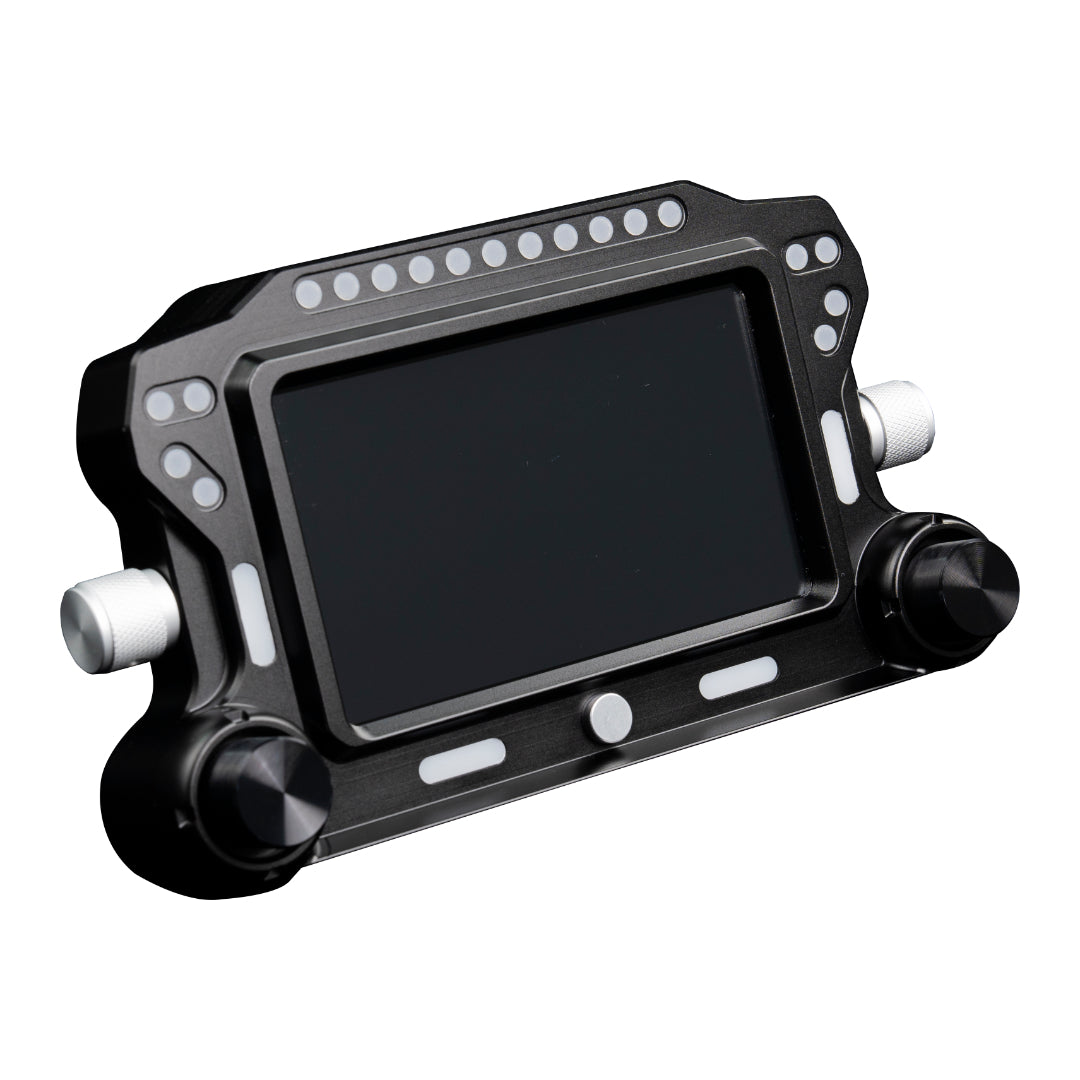
Give telemetry a dedicated place in your cockpit. The CSD combines a 5-inch IPS touchscreen, 31 configurable RGB LEDs and physical encoder controls in a machined aluminum housing. Start with CONSPIT’s SimHub presets, then arrange supported race data, flags and alerts around the information you want to see at a glance.
In stock
Financing available on eligible purchases. View Affirm and Shop Pay details
CONSPIT items typically ship the next day. Carrier transit time is additional.
Eligible change-of-mind or buyer's-remorse returns must be requested within 14 calendar days of delivery. A 15% restocking fee and return freight apply to those voluntary returns. See eligibility, exclusions, and full return terms.
The manufacturer's standard limited warranty applies. Valid warranty claims are separate from change-of-mind returns and have no change-of-mind restocking fee. Contact Mitchell first for CONSPIT warranty claims. View warranty and return details.
Need a second look at your wheelbase, quick release or cockpit fit? Talk to MM Simulations.
CONSPIT CSD · SIMHUB TELEMETRY DASHBOARD
A clearer view.
Of the race around you.
Give telemetry a dedicated place in your cockpit. The CSD combines a 5-inch IPS touchscreen, 31 configurable RGB LEDs and physical encoder controls in a machined aluminum housing. Start with CONSPIT’s SimHub presets, then arrange supported race data, flags and alerts around the information you want to see at a glance.
A DEDICATED RACE DISPLAY
Place the information where you use it.
Mount the CSD to a suitable cockpit or wheelbase bracket and set its height for your seated view. A separate dashboard gives race information a consistent location, even when you change the wheel in front of it.
01
THREE WAYS TO INTERACT
Read it. Adjust it. Make it yours.
Explore the screen, indicator lights and physical controls.
The 5-inch IPS touchscreen displays SimHub dashboards at 854 × 480. Begin with the supplied presets or customize the layout to prioritize the data available from your racing title.
02
BUILT FOR A CLEAN COCKPIT
Position it with purpose.
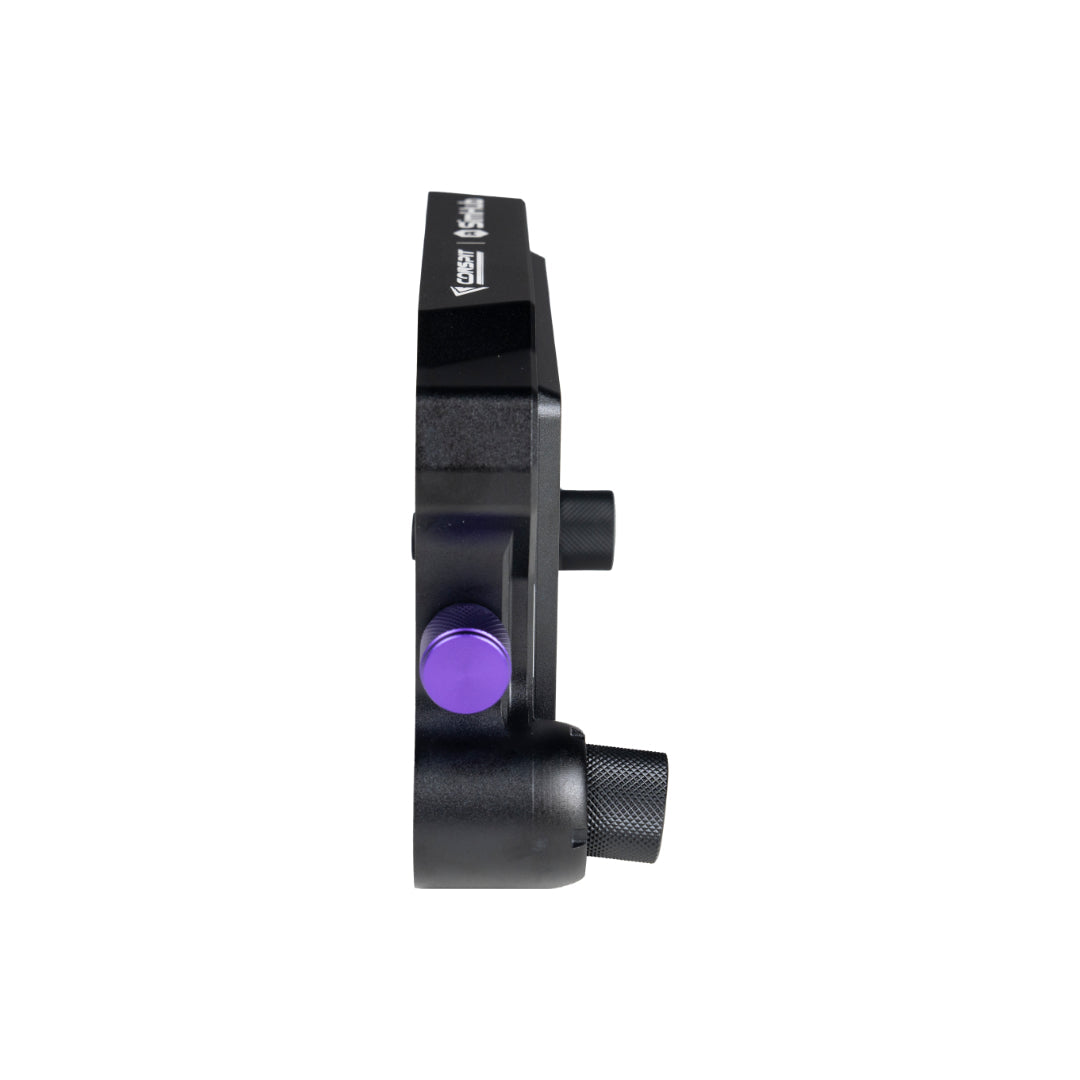
The CNC-machined 6061-T6 aluminum enclosure measures 191 × 107 × 43mm. Rear mounting points accept the appropriate bracket, and two rear data-port positions provide routing flexibility. The dashboard connects directly to a PC by USB; check bracket fit for your specific wheelbase or cockpit.
- 5-inch IPS touchscreen, 854 × 480
- 31 RGB LEDs across four indicator zones
- Physical page and brightness controls
- Direct USB connection; SimHub software
 A dedicated display for your cockpit.
03
SPECIFICATIONS
The dashboard at a glance.
Essential measurements and installation requirements.
- Display
- 5-inch IPS touchscreen
- Resolution
- 854 × 480
- Housing
- CNC-machined 6061-T6 aluminum
- Dimensions
- 191 × 107 × 43 mm
- Controls
- Touchscreen and physical encoders
- Lighting
- 31 RGB LEDs in four zones
- Connection and software
- Direct PC USB; SimHub
- Mounting
- Rear threaded mounting; suitable bracket required
COMPATIBILITY & SETUP
Find the right mounting position.
Wheelbase compatibility concerns bracket fit; the CSD sends data through its own PC USB connection. Some installations require an additional adapter. Tell MM Simulations your exact wheelbase and cockpit model so we can help identify the mounting hardware you need.